






Design & Planning Automation · Construction Digital Twin · Asset Digital Twin
Clean models. Sheets on autopilot.
We create custom tools (scripts and plugins) that automate modeling in the BIM environment: model checking and cleaning, repetitive modeling, and production of views and sheets.
Much of a BIM team's time goes into repetitive work: placing typical elements, renaming, creating views, laying out sheets, deleting duplicated or non-compliant objects. Modeling Automation moves this work onto tools that BIMON designs and develops to measure.
We integrate the solutions into the existing software, with Dynamo scripts and Revit API plugins, when the program has no ready-made tool for the problem. Each tool follows the client's standards: naming, templates, graphic conventions and the level of development (LOD) required at that stage.
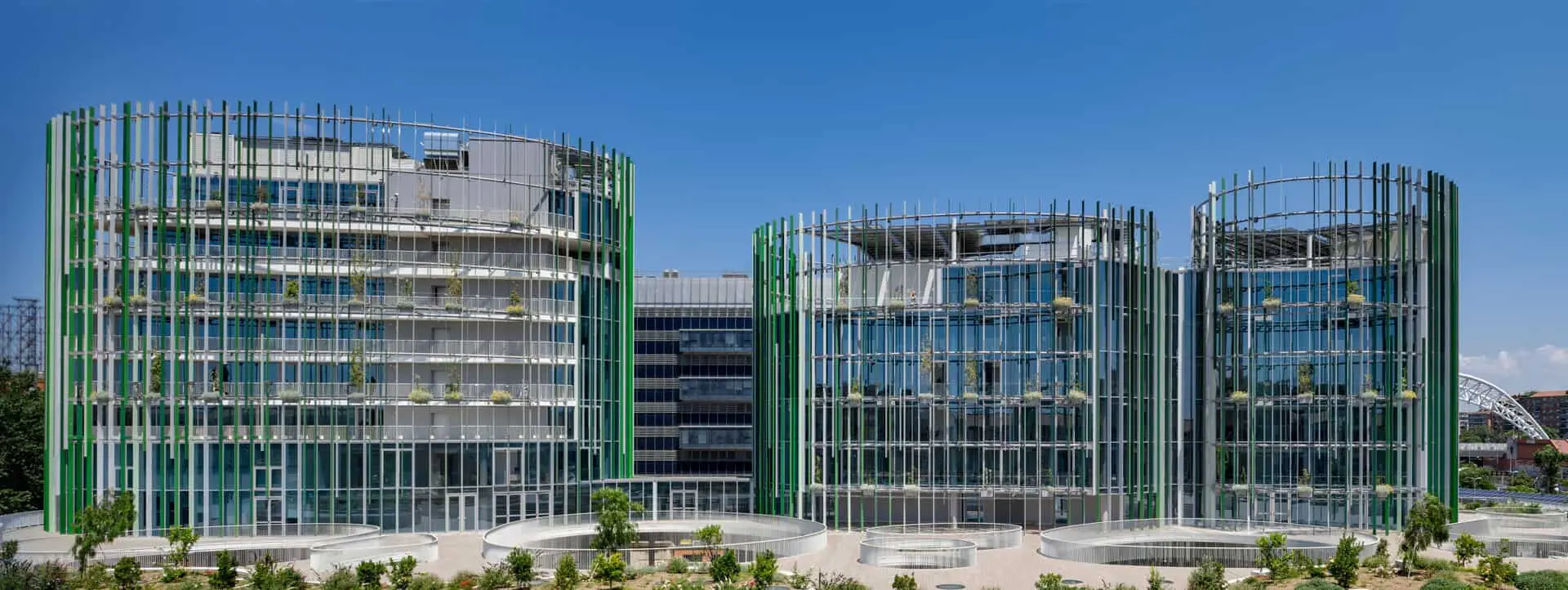
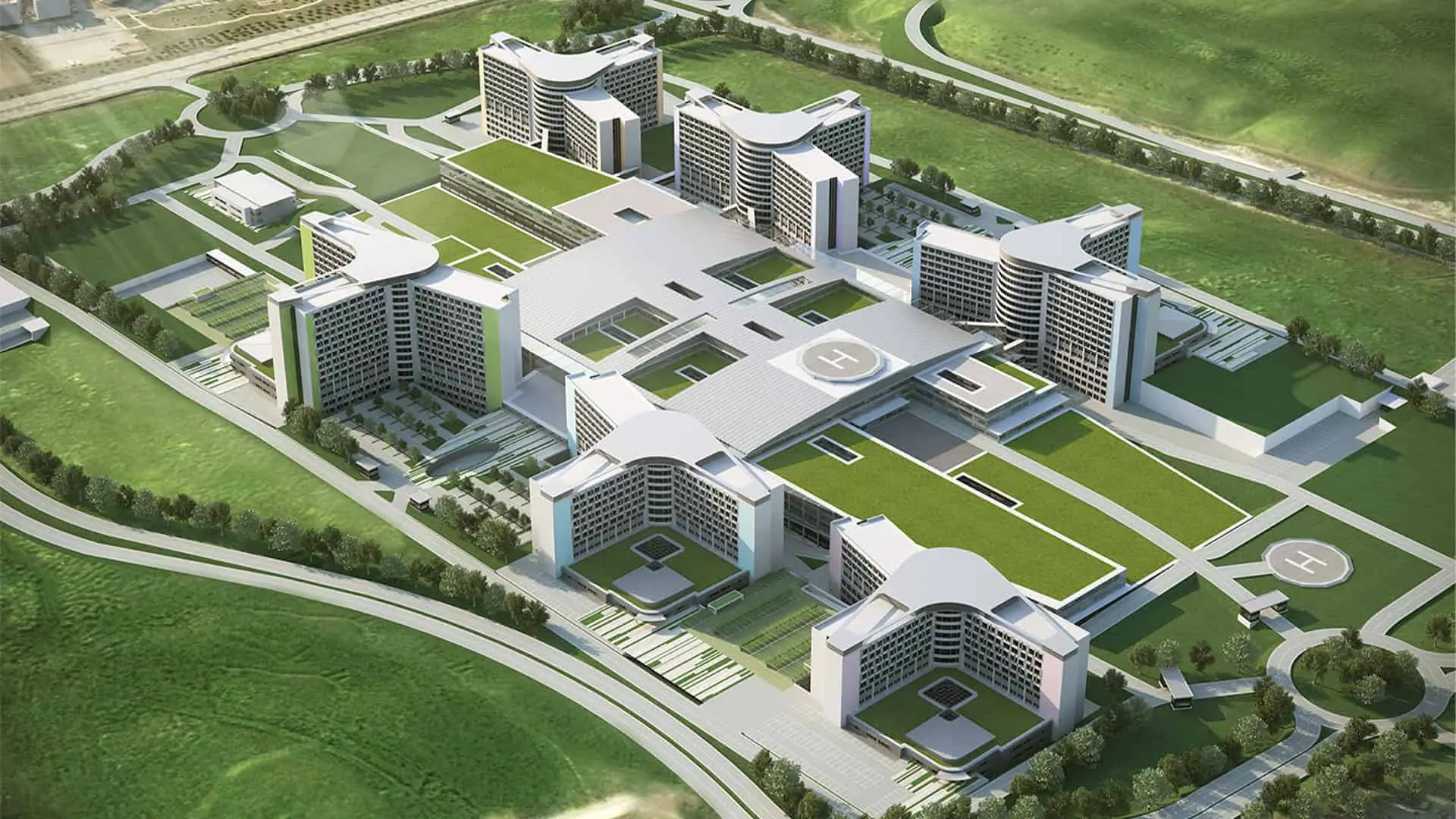
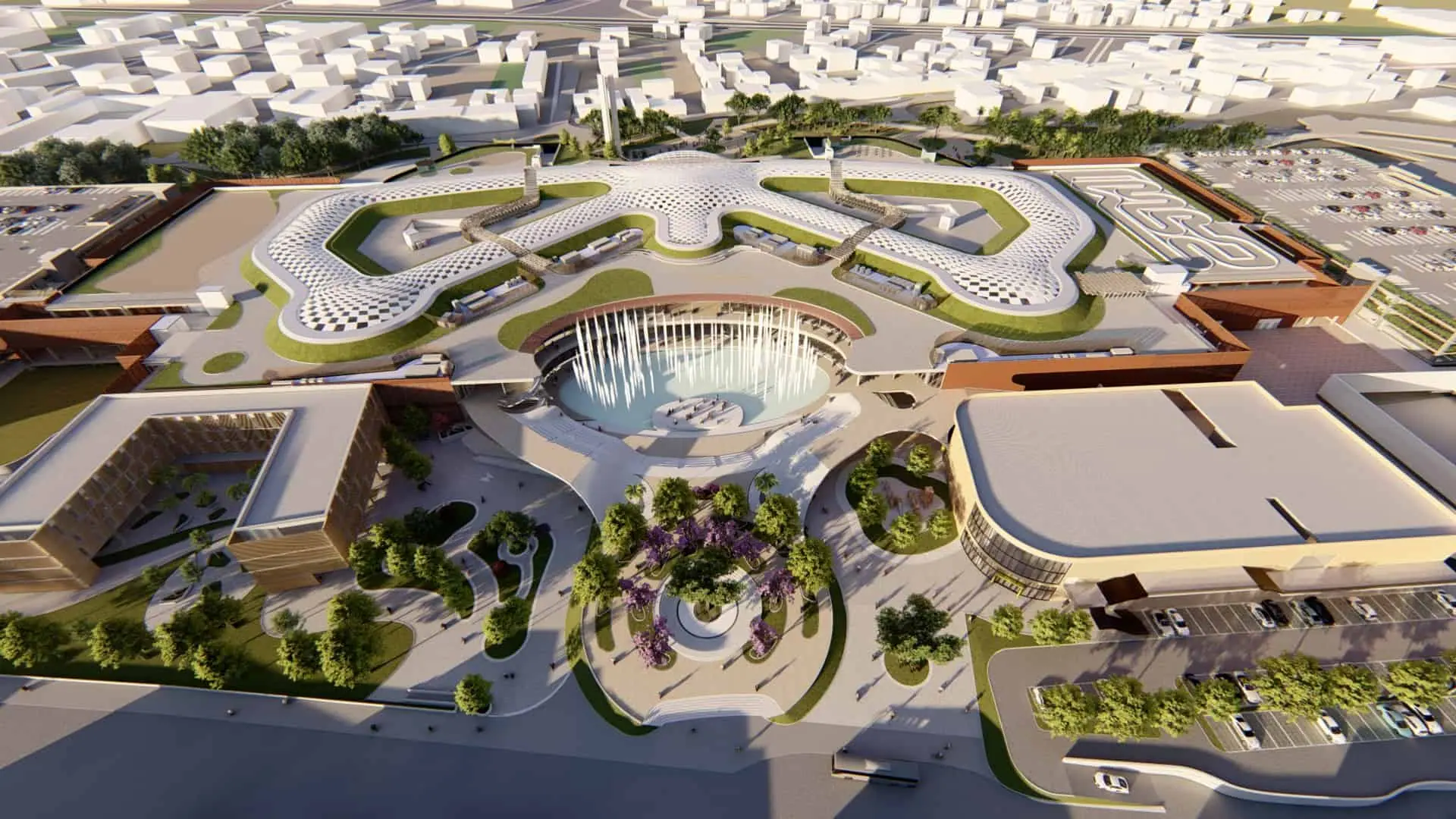
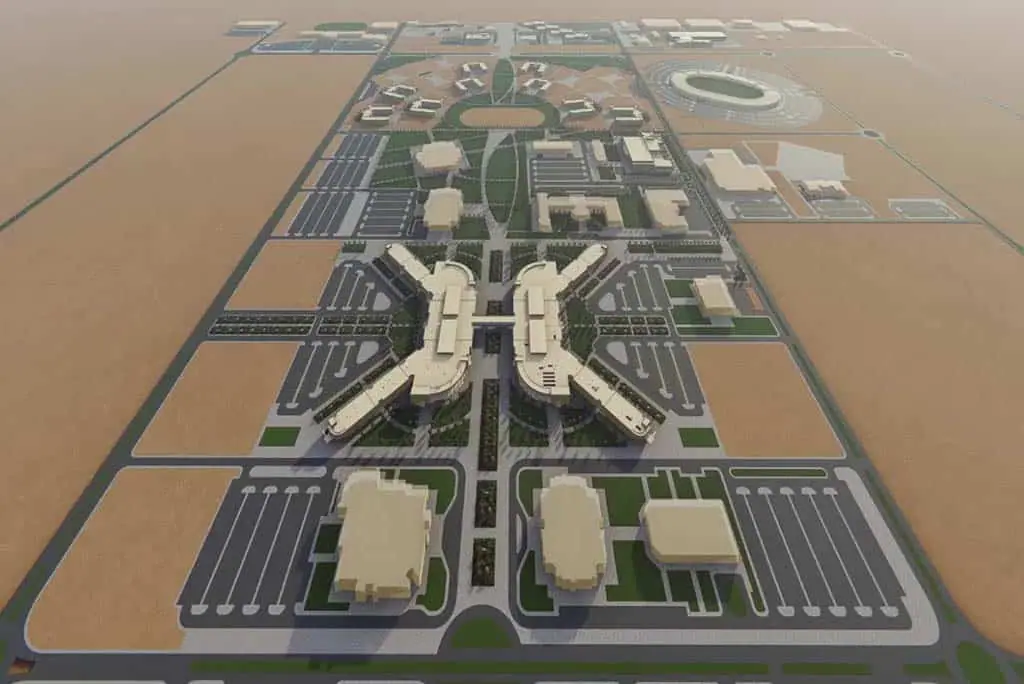
Model checking is the part that weighs most on quality. On Maximall Pompeii the verification of the LOD 350 structural models relied on software and in-house scripts that compare the model against the BIM Execution Plan and the UNI 11337 standard. On King Faisal Air Academy the tools supported the verification of more than 100 buildings, with reports updated at every cycle.
It pays off when a project has many buildings or many similar sheets, when models arrive from different suppliers and must be cleaned before coordination, or when delivery dates leave no room for hours of manual work.
How we work
- 1
Task mapping
With the client's team we measure where most hours are lost: typical modeling, views, sheets, checks.
- 2
Standards specification
We collect templates, naming rules and the LOD requirements of the stage, so the tool produces output that is already compliant.
- 3
Development and acceptance
We develop the scripts and plugins and test them on real models until the results are repeatable.
- 4
Handover and support
We hand over the tools with instructions and update them when the software or the standards change.
Projects that used it

Frequently asked questions
What does Model Checking mean?+
It is the automatic verification of a BIM model against defined rules: naming, mandatory parameters, duplicated or faulty geometry, consistency with the required LOD. BIMON's tools produce a list of non-conformities that the modeler can fix before delivery.
Does automation replace the BIM modeler?+
No. It takes the repetitive operations off the modeler and leaves design decisions and final checking to them. The result is a cleaner model delivered in less time.
Can views and sheets be automated to our own graphic standard?+
Yes. The tool starts from your templates, title blocks and layout rules and generates consistent views and sheets for all selected elements. Changes to the standard are applied by updating the tool, without redrawing sheets by hand.
Reach your digital future.
Tell us about your asset, your tender or your idea. A BIMON engineer will get back to you within two working days.